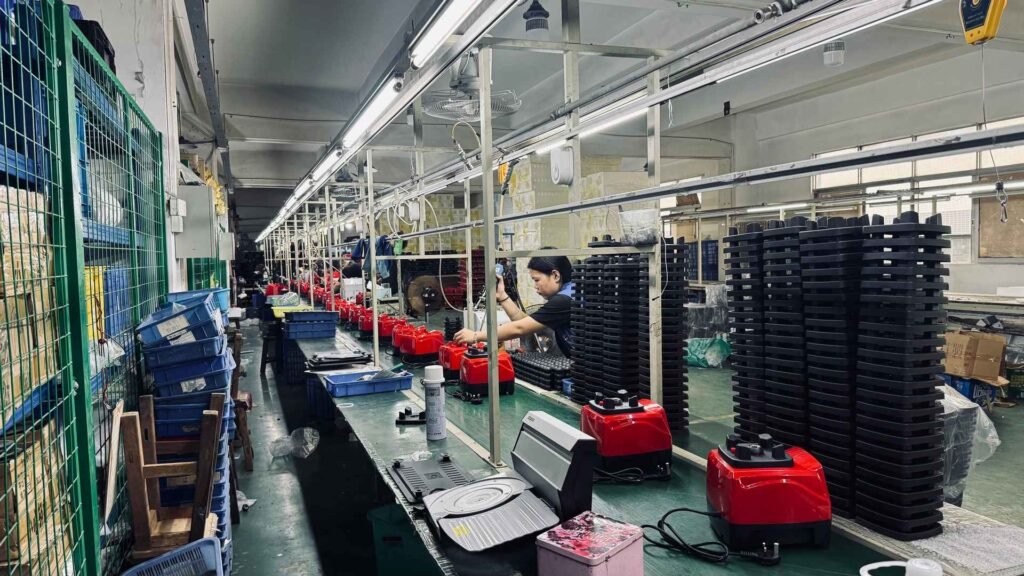
Commercial Blender Troubleshooting
Key Takeaways
- A 30-second stop that resets after cooling is usually thermal protection, not a dead motor.
- Check the load, airflow and supply voltage before opening the base.
- A hum with no blade movement points to the capacitor, start circuit or a jammed blade.
- Never bypass the thermal protector; replace it with the correctly rated part.
Table of Contents
- Why a commercial blender stops working: thermal cutoff vs overload
- The 30-second pattern: why a commercial blender stops under heat
- Check the load and the jar before you open the base
- Check airflow and the soundproof enclosure
- Check the power supply and the voltage version
- When it is the capacitor, brushes or motor
- Repair or replace: a decision table
- How to prevent the next shutdown
- Frequently Asked Questions (FAQ)
1. Why a commercial blender stops working: thermal cutoff vs overload
A commercial blender can stop for three different reasons that look the same to the operator: the thermal protector opens, the motor is overloaded, or the start circuit cannot turn the motor. The first step is to notice whether the machine restarts after cooling.
An automatic thermal protector opens when the motor reaches its rated temperature and closes again when it cools. A manual protector or one-shot fuse does not reset. That is why a machine can stop at 30 seconds, sit for ten minutes and then run again. If it restarts without a part change, the protector did its job; the cause is heat, not a failed switch.
An overload is a load problem. A full jar of frozen fruit, a thick nut paste or a blade that is buried in product can stall the motor before the protector opens. The machine may hum, vibrate or trip a breaker. Reducing the load is the first test.
A start-circuit failure is different. The motor hums but the blade does not turn, or the machine tries to start and trips the breaker. That points to the capacitor, the start winding, the switch or a jammed blade. Do not keep pressing the button; unplug the machine and inspect the blade and jar first.
| Symptom | Likely cause | First check |
|---|---|---|
| Stops at about 30 seconds, restarts after cooling | Thermal protector opened | Let it cool, clear the vents, reduce the load |
| Stops under a thick load, no restart | Overload or thermal trip | Reduce the batch, check the jar and blade |
| Hums but the blade does not turn | Capacitor, start circuit or jam | Unplug, free the blade, test the capacitor |
| Trips the breaker | Short circuit or leakage | Stop using it; qualified electrician |
| Runs slow and hot | Low voltage or wrong voltage version | Check the nameplate and supply |
| Vibrates or rattles | Blade, coupling or bearing | Inspect the blade, coupling and jar seat |
The 2200W models in the commercial blender range use different jars, enclosures and controls. The symptom pattern is similar, but the first check should match the model.
2. The 30-second pattern: why a commercial blender stops under heat
A consistent 30-second stop is a heat signature. The motor is producing more heat than the cooling path can remove, so the protector opens at roughly the same point in the cycle. That usually means one of four things:
- The batch is too large for the jar or the motor’s duty cycle.
- The product is too dense or too cold, so the blade cannot move it.
- The intake or exhaust path is blocked by dust, a carton or a soundproof enclosure that is not breathing.
- The supply voltage is low, so the motor draws more current to do the same work.
A smoothie bar that runs back-to-back cycles is asking more of the motor than a hotel breakfast area that blends one batch at a time. If the jar is filled to the top and the cycles are continuous, the protector can open on a healthy motor.
The OTJ-329 heavy-duty commercial blender is an example of a 2200W platform with a 2.5L jar. It can handle a dense load, but it still has a duty cycle. The operator should use the correct batch size, not the maximum jar volume, for frozen fruit and ice.
3. Check the load and the jar before you open the base
Start with the cheapest check: the jar. Is it overfilled? Is the liquid ratio too low for the amount of ice or frozen fruit? Is the blade seated on the coupling? Is the jar fully locked into the base?
An overfilled jar, too little liquid or a jar that is not seated can stop the blade or spin the coupling. These are operator fixes, not repair jobs.
Also check the blade assembly. A worn or bent blade, a damaged coupling or a cracked jar can cause vibration and load. If the blade spins freely by hand but the motor hums, the problem is probably in the drive or start circuit, not the jar.
Do not run the machine dry unless the manual allows it; some models are designed to run only with the jar and lid in place.
4. Check airflow and the soundproof enclosure
A soundproof blender needs airflow. The enclosure reduces noise, but it also traps heat. If the intake filter, vent or fan path is blocked, the motor will overheat faster than an open-frame model.
Check the base and enclosure vents. Remove dust, flour or packaging debris, and give the intake and exhaust clearance. If the machine is built into a tight counter, move it where the air can move.
The OTJ-KC78D soundproof commercial blender uses an integrated enclosure. Do not remove the enclosure panels to “help it breathe”; clean the intended path instead.
5. Check the power supply and the voltage version
The 110V/60Hz and 220–240V/50–60Hz versions are separate motor versions. They are not universal. If a 220–240V model is connected to a 110V supply, it may run slowly, overheat or fail to start. If a 110V model is connected to 220V, it can fail immediately.
Check the nameplate, the plug and the supply. A long extension cord or shared circuit can cause a voltage drop; the motor draws more current and produces more heat. If it only stops on one counter or lead, the supply is part of the diagnosis.
Do not change the plug or bypass the earth connection; use the correct version for the destination.
6. When it is the capacitor, brushes or motor
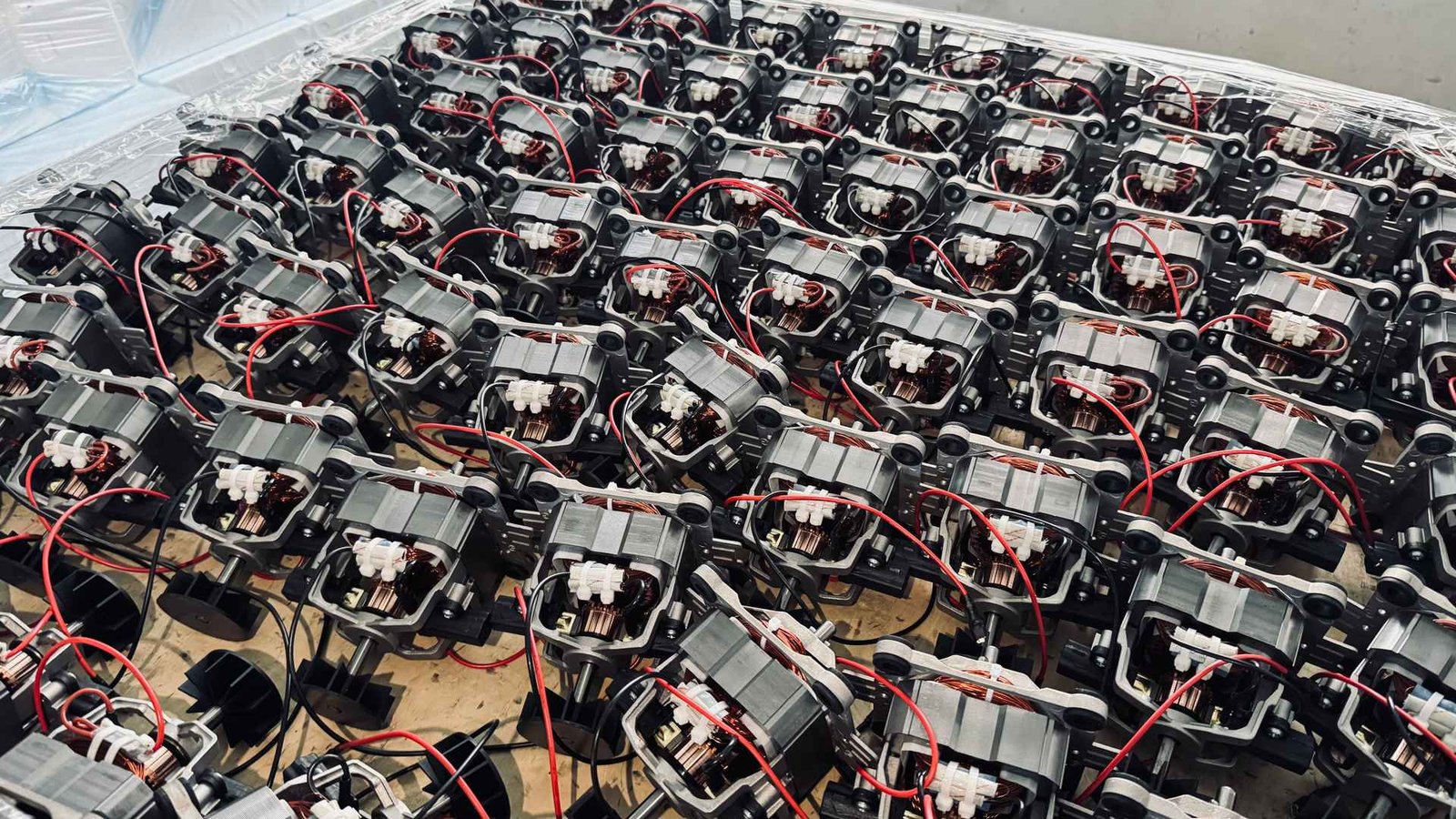
If the motor hums but the blade does not turn, the start circuit is the first suspect. A failed capacitor, a stuck centrifugal switch or a jammed blade can produce the same symptom. Unplug the machine, free the blade and check the jar seat. A qualified technician can test the capacitor and the start circuit.
Brushes are a wear part on the relevant motor types. A short, stuck or contaminated brush can cause sparking, weak torque or a stop. Inspect the brush length, commutator and holder; replace brushes as a pair.
A dragging bearing or damaged winding usually produces noise, heat or a burning smell. If the motor smells burnt, stop using it; compare the repair with a replacement.
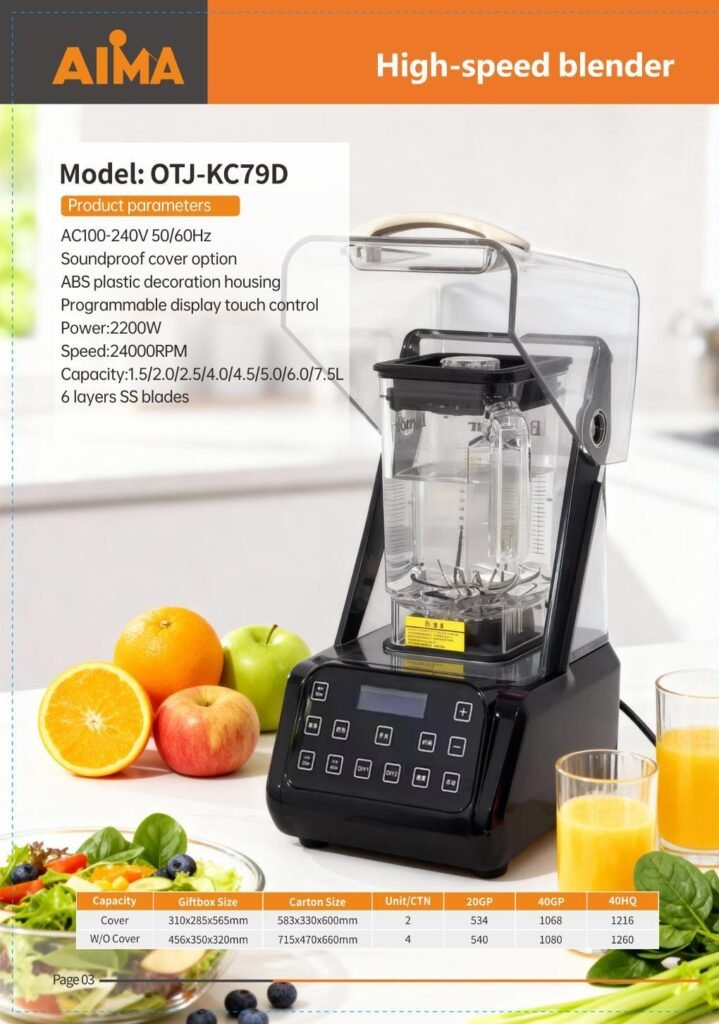
The OTJ-KC79D soundproof commercial blender is a touch-control model. Before replacing the motor, confirm that the control panel is sending the run signal and that the thermal protector is not open. A control fault can look like a motor fault.
7. Repair or replace: a decision table
Use the symptom and the part to decide whether the machine should be repaired in the field, returned to a service partner or replaced.
| Part or issue | Action | Note |
|---|---|---|
| Thermal protector | Replace with the rated part | Do not bypass it; confirm the rating for the model |
| Capacitor | Replace | Match the capacitance and voltage rating |
| Brushes | Replace as a pair | Inspect the commutator and brush holder |
| Blade or coupling | Replace | Check the jar seat and shaft |
| Bearing | Service or replace | A qualified technician should press the bearing |
| Winding or gearbox | Replace the motor or unit | Compare the repair with a replacement |
| Control panel | Test the run signal | Confirm the switch, timer and wiring |
The repair depends on the model and cause. A protector that opens repeatedly is a symptom; replacing it without fixing the heat source will not help.
8. How to prevent the next shutdown
The best repair is a change in the way the machine is used. Four habits prevent most repeat shutdowns:
- Use the right batch size. Fill to the jar’s working level, not the top, when the product is dense or frozen.
- Respect the duty cycle. Give the motor time to cool between heavy batches; do not run back-to-back cycles all afternoon.
- Keep the airflow path clean. Clean the vents and the enclosure intake; do not block the base.
- Match the voltage and plug. Use the correct version for the market; avoid long extension cords.
Keep a spare-parts kit for the models in service: a thermal protector, capacitor, brush pair, blade coupling and jar seal. The kit depends on the model and field units. Ask AIMA for the list for the models you stock.
9. Frequently Asked Questions (FAQ)
Why does my commercial blender stop after 30 seconds?
The most common cause is the thermal protector opening because the motor is overheating. A dense load, an overfilled jar, blocked airflow, low voltage or a wrong voltage version can all produce the same pattern. Let the machine cool, reduce the load and check the vents and supply before replacing the motor.
Is it safe to bypass the thermal protector?
No. The protector is a safety device. Bypassing it can overheat the motor, damage the winding and create a fire risk. Replace it with the correctly rated part and fix the cause of the heat.
Why does the blender run again after it cools down?
An automatic thermal protector closes when the motor cools. That does not mean the machine is fixed; it means the protector is working. If the stop repeats, the heat source is still there.
Why does the motor hum but the blade not turn?
A hum with no blade movement usually points to the capacitor, the start circuit, a jammed blade or a broken coupling. Unplug the machine, free the blade and check the jar seat before testing the electrical parts.
When should I replace the motor instead of repairing it?
If the winding is burnt, the bearing seat is damaged or the repair cost is close to a replacement, replace the motor or the unit. A protector, capacitor, brush pair or coupling is usually a service part. Confirm the model and the symptom with AIMA before ordering.
Need a spare-parts check? Send the model, voltage version and symptom to sales2@zs-aima.com. Pricing is quoted per project.
Email RicardoContact: Ricardo | sales2@zs-aima.com